



Download & Install 7Oasis App
For Android:
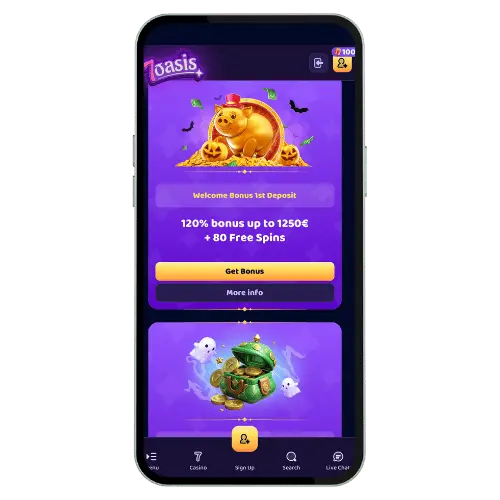
Android installation needs a few extra steps because of Google policies currently. Go to 7oasis.live through your phone browser directly first. Scroll down until you see the “Android App Download” button. Click it and the APK file downloads automatically to your device. Open Downloads and tap the APK file to start installation.
Your phone might block installation from unknown sources initially. Go to Settings and allow installation from this source temporarily. The app installs in under 30 seconds on most devices. After installation you can reset the security setting if desired. The app appears on your homescreen like any other normal app.
For iOS:
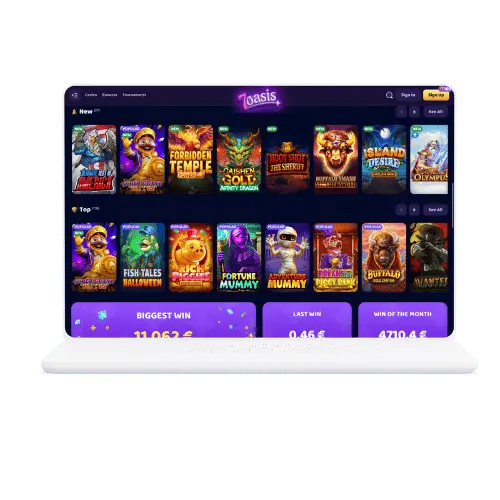
iOS users can’t install a native app because of Apple App Store restrictions. Instead 7Oasis offers a Progressive Web App as perfect alternative. Open 7oasis.live in Safari on your iPhone or iPad directly. Tap the Share icon at the bottom middle of the browser. Select “Add to Home Screen” from the menu that appears.
The web app installs as an icon on your homescreen automatically now. It functions exactly like a real app without browser bar on top. All features run identically to the Android version without restrictions whatsoever. Updates happen automatically when you open the app without downloads. This solution bypasses Apple restrictions elegantly and legally completely.